The Practice Hub: How to Learn and Master Any Sheet Music Piece in 5 Seconds
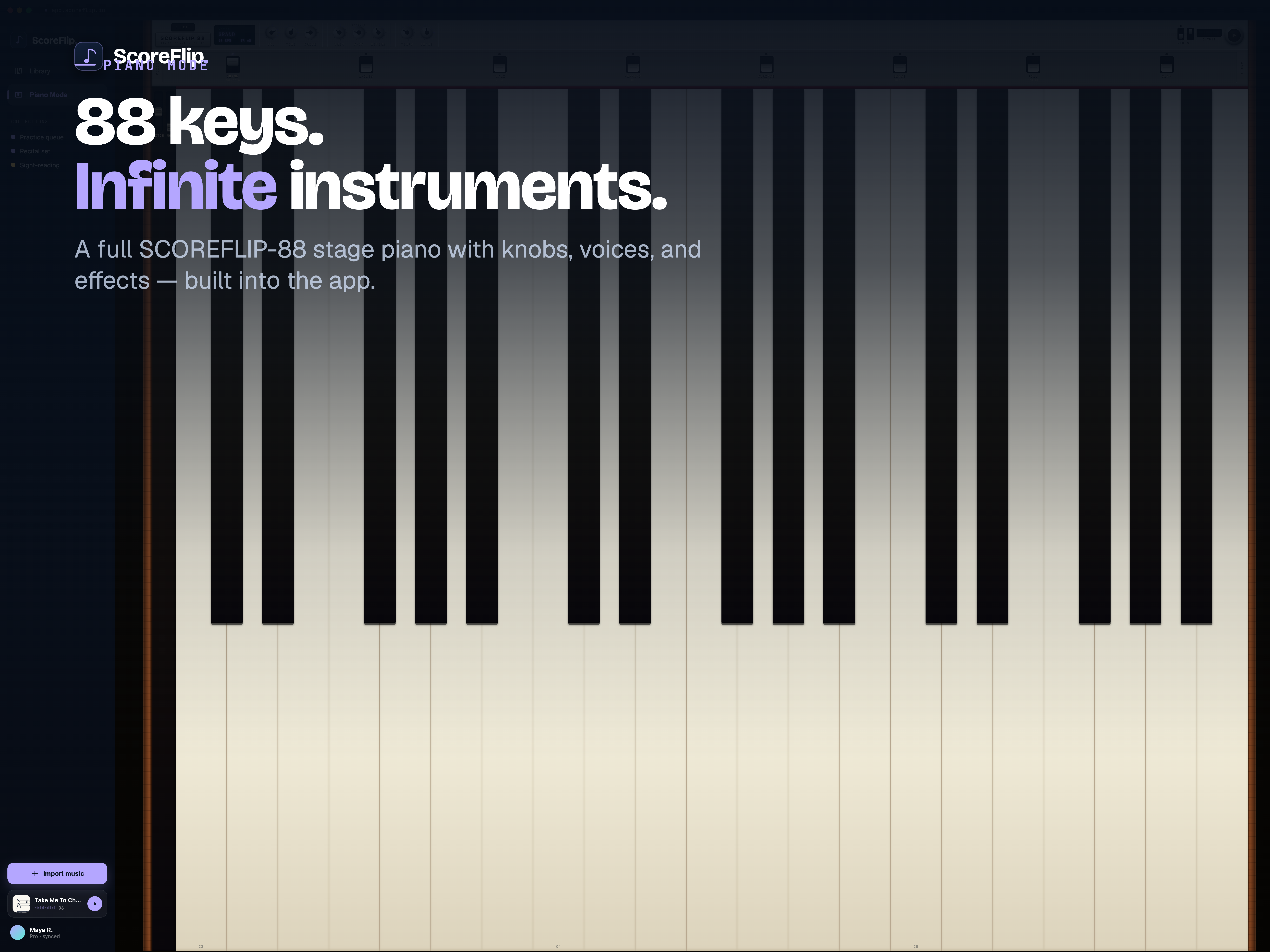
Traditional music practice has a steep learning curve. When you start learning a new piece, you place the sheet music on the stand, look at a dense cluster of black dots, look down at your fingers, find the keys, look back up, and repeat.
This constant visual shifting breaks your concentration. For beginners and intermediate players, this visual translation step is a major hurdle that slows down progress.
We built ScoreFlip's Practice Hub and Digital Tutor to solve this. Think of it as Duolingo for music. By turning static sheet music into an interactive, gamified learning experience, ScoreFlip guides your fingers in real-time, monitors your accuracy, and helps you master any piece in seconds.
---
Step 1: Initialize Your Practice Sandbox
When you open any song in your ScoreFlip Library, you can enter the Practice Hub with a single click.
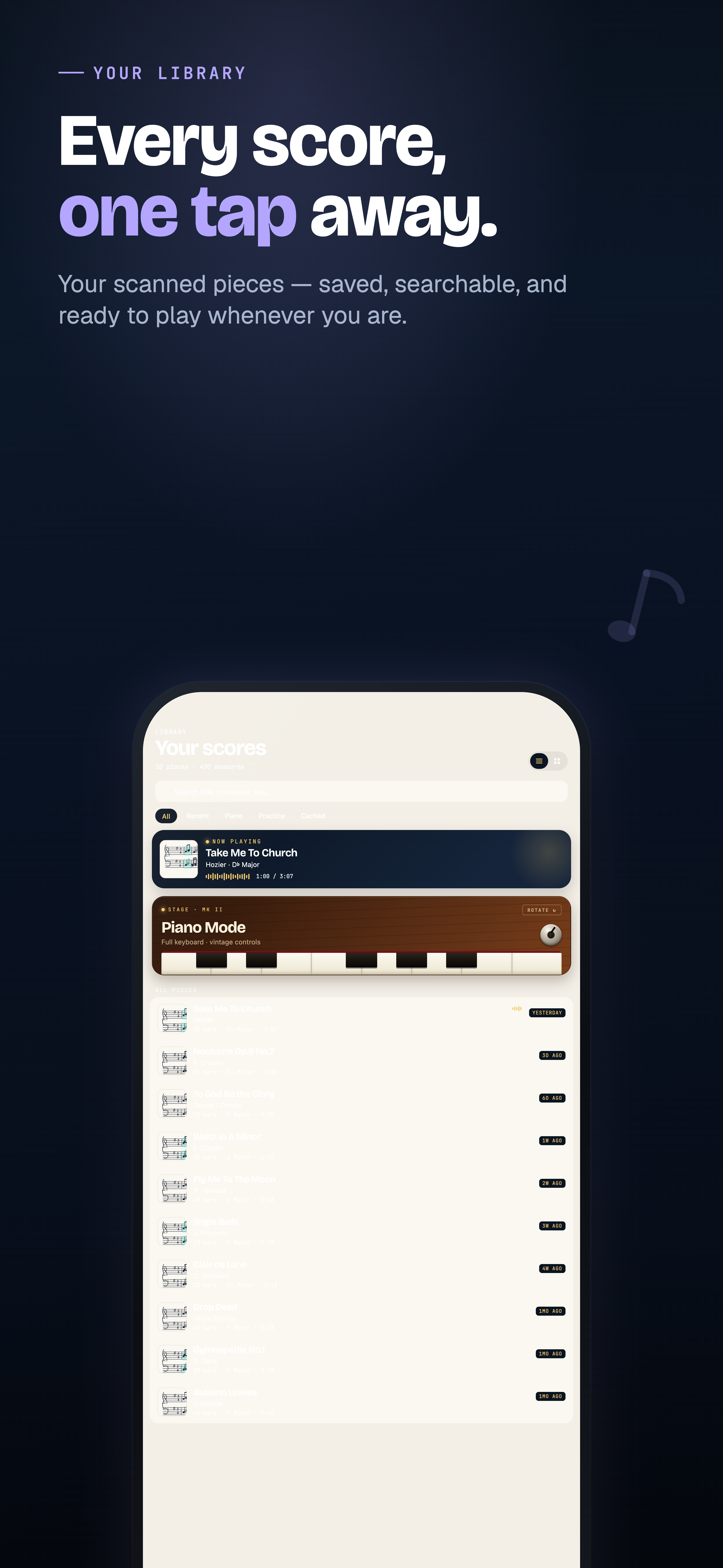 The ScoreFlip Library showing catalog items.
In the Practice Hub, your score is loaded into a dedicated learning workspace. You can choose to practice with: - Left Hand Solo: Mute the right-hand accompaniment and isolate the bass line. - Right Hand Solo: Mute the left-hand accompaniment to focus on the melody. - Hands Together: Practice both staves simultaneously.
You can also set your initial target tempo. If a piece is fast, the Digital Tutor will scale the tempo down to a comfortable starting speed, letting you build muscle memory gradually.
---
Step 2: Play with the Digital Tutor (Falling Note Keybed)
Once practice begins, ScoreFlip swaps the traditional sheet view for an interactive split-screen. The sheet music remains at the top, while a virtual 88-key stage piano keybed appears at the bottom.
As the playback cursor moves across the staff, corresponding notes fall down from the sheet directly onto the virtual keys.
The Digital Tutor interactive falling note view on a tablet.
This visual alignment changes the game: - Zero Translation: You don't need to translate sheet positions to physical keys. The falling bars show you exactly which piano key to press. - Visual Association: Over time, your brain connects the note positions on the staff with the falling bars and physical keys, improving your sight-reading speed naturally. - Key Highlight: The target keys light up in warm colors (violet, cyan, and amber), guiding your hands to the correct positions.
---
Step 3: Connect Your Keyboard for Real-Time Feedback
To get the most out of the Digital Tutor, connect your digital piano or keyboard to your tablet, phone, or computer using a standard USB-MIDI cable or Bluetooth MIDI.
Once connected, ScoreFlip listens to your performance in real-time:
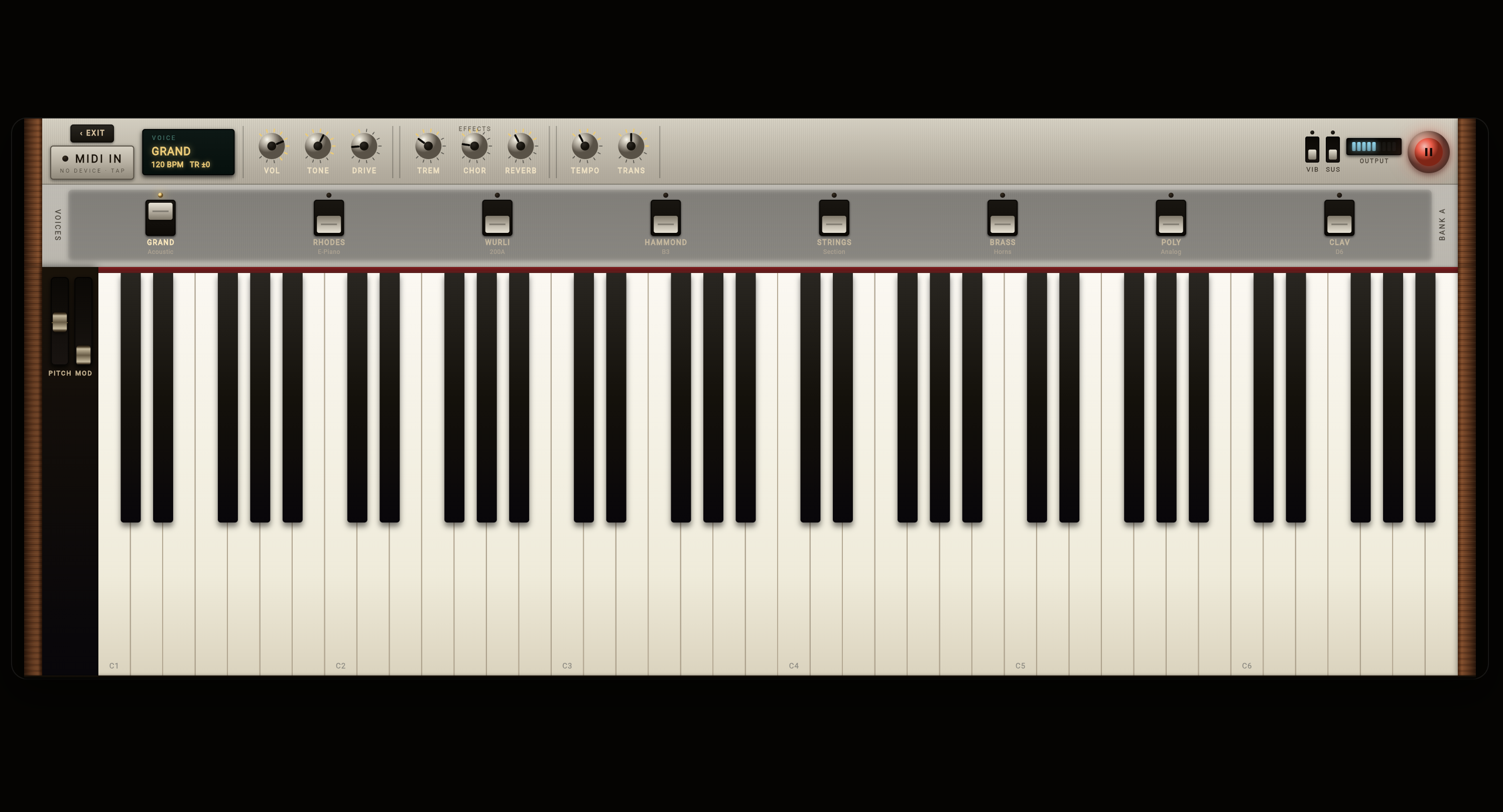 The active Piano Mode displaying performance feedback.
- Wait Mode: In this mode, the playback cursor pauses and waits for you. It will not move forward until you press the correct keys on your physical piano. You can practice at your own pace without feeling rushed.
- Immediate Evaluation: The keybed highlights your inputs. Keys pressed correctly turn green; incorrect inputs turn red. This immediate feedback loops prevents you from practicing mistakes into your muscle memory.
---
Step 4: Track Your Streaks and Gamify Your Progress
Practice requires consistency, but staying motivated is hard. ScoreFlip borrows gamification mechanics from language-learning apps to keep you coming back to the keys:
- Accuracy Score: At the end of each practice session, ScoreFlip calculates your accuracy percentage, note-timing precision, and lists sections that need review.
- Daily Streaks: The dashboard tracks your daily practice streak. Completing just 5 minutes of practice a day keeps your streak alive, building positive habits.
- Achievements: Earn badges for mastering classical arrangements, improving speed targets, or maintaining multi-week streaks.
By taking the friction out of sheet translation and adding motivating gamified structures, the Digital Tutor turns sheet music practice from a chore into a rewarding, habit-forming experience. You can sit down, connect, and start playing your favorite songs in seconds.
Enjoyed this deep dive?
Explore more articles on notation scanning, electric keyboards, and gamified music practice in our journal.
Explore All Articles