
Camera & PDF Sheet Music Scanner
Snap a photo of a book or upload a multi-page PDF. ScoreFlip reads pitches, rhythms, key signatures, clefs, and grand-staff piano parts — and lets you append extra pages anytime.
Try Image to MusicXML →ScoreFlip is more than a sheet music scanner. Bring a camera photo, a PDF, an MP3, or a YouTube link — get an interactive score you can hear, slow down, simplify, fix in seconds, and practise every day.
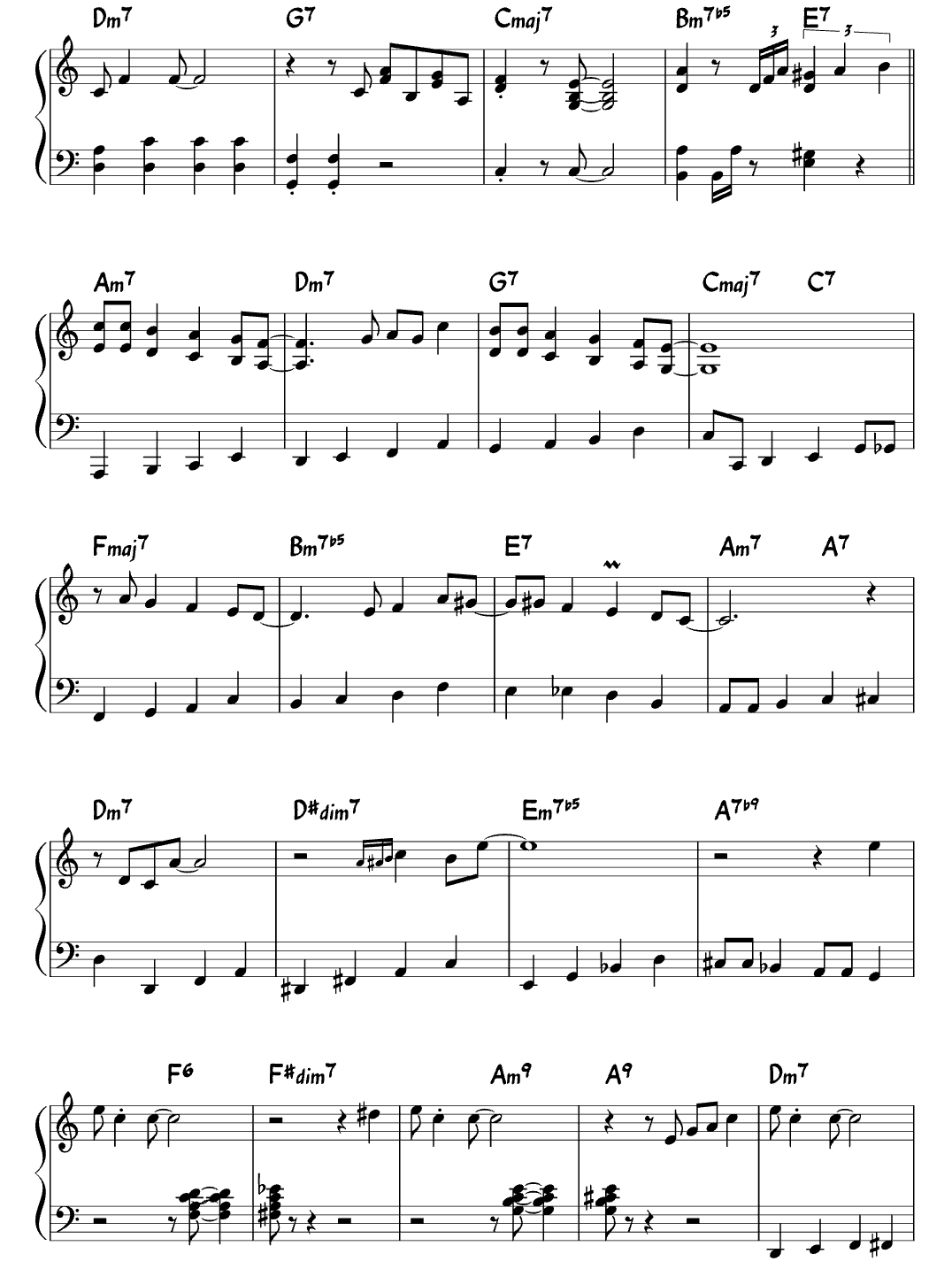
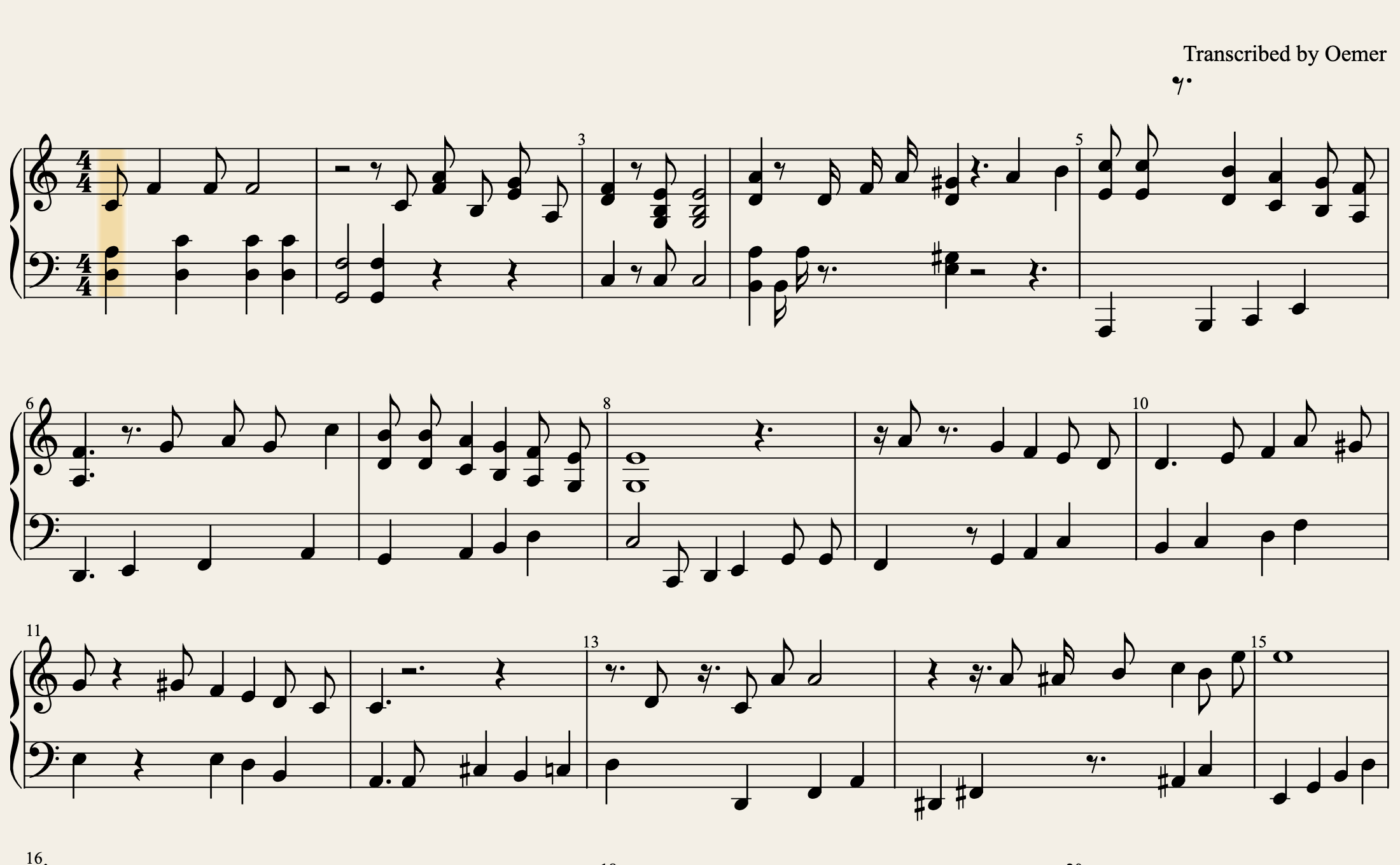
Most apps only scan photos or only transcribe audio. ScoreFlip brings every source into one library and one practice studio.
Snap a photo of a book or upload a multi-page PDF. ScoreFlip reads pitches, rhythms, key signatures, clefs, and grand-staff piano parts — and lets you append extra pages anytime.
Try Image to MusicXML →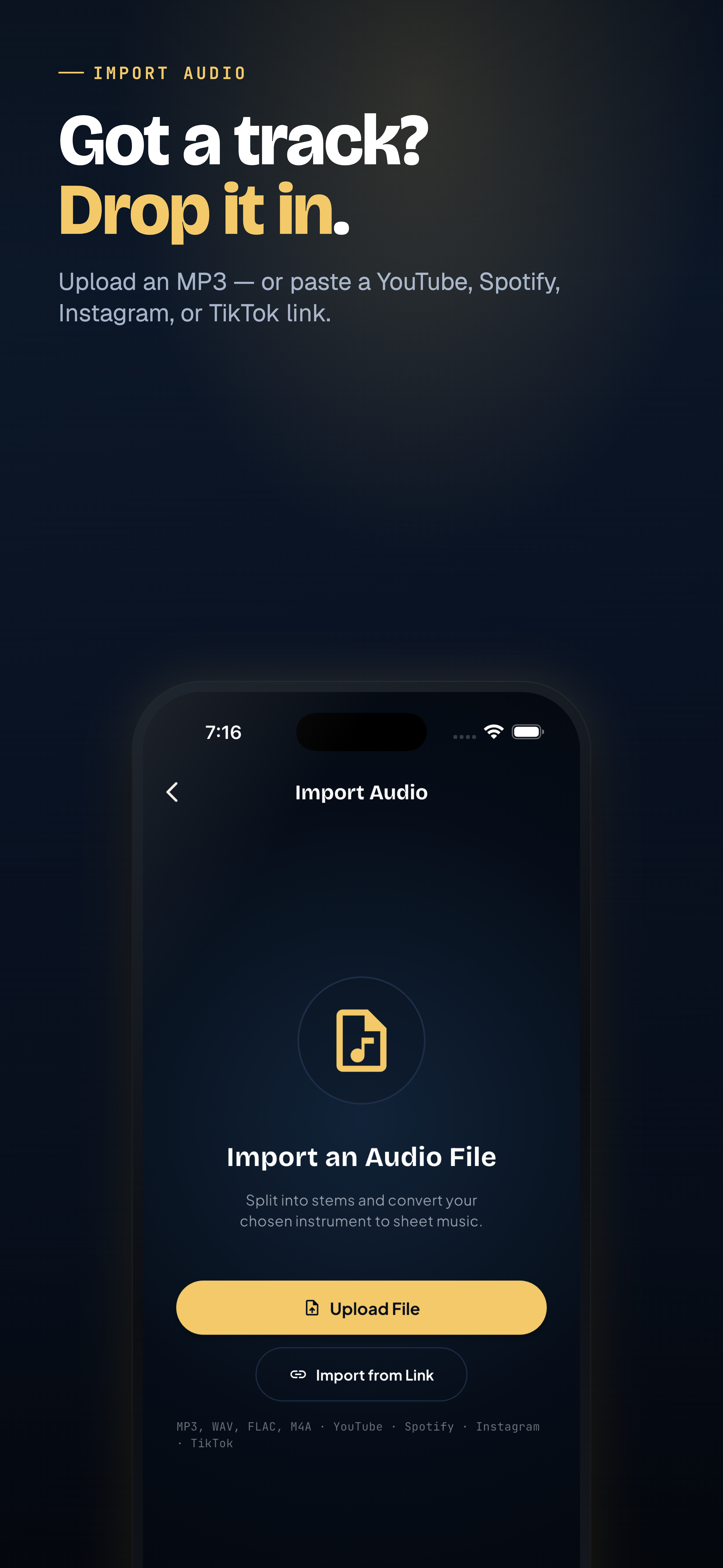
Drop in a recording, voice memo, or song file. Choose whether you want a full piano score, a lead sheet, a single melody line, or one isolated instrument.
Try Audio to Sheet Music →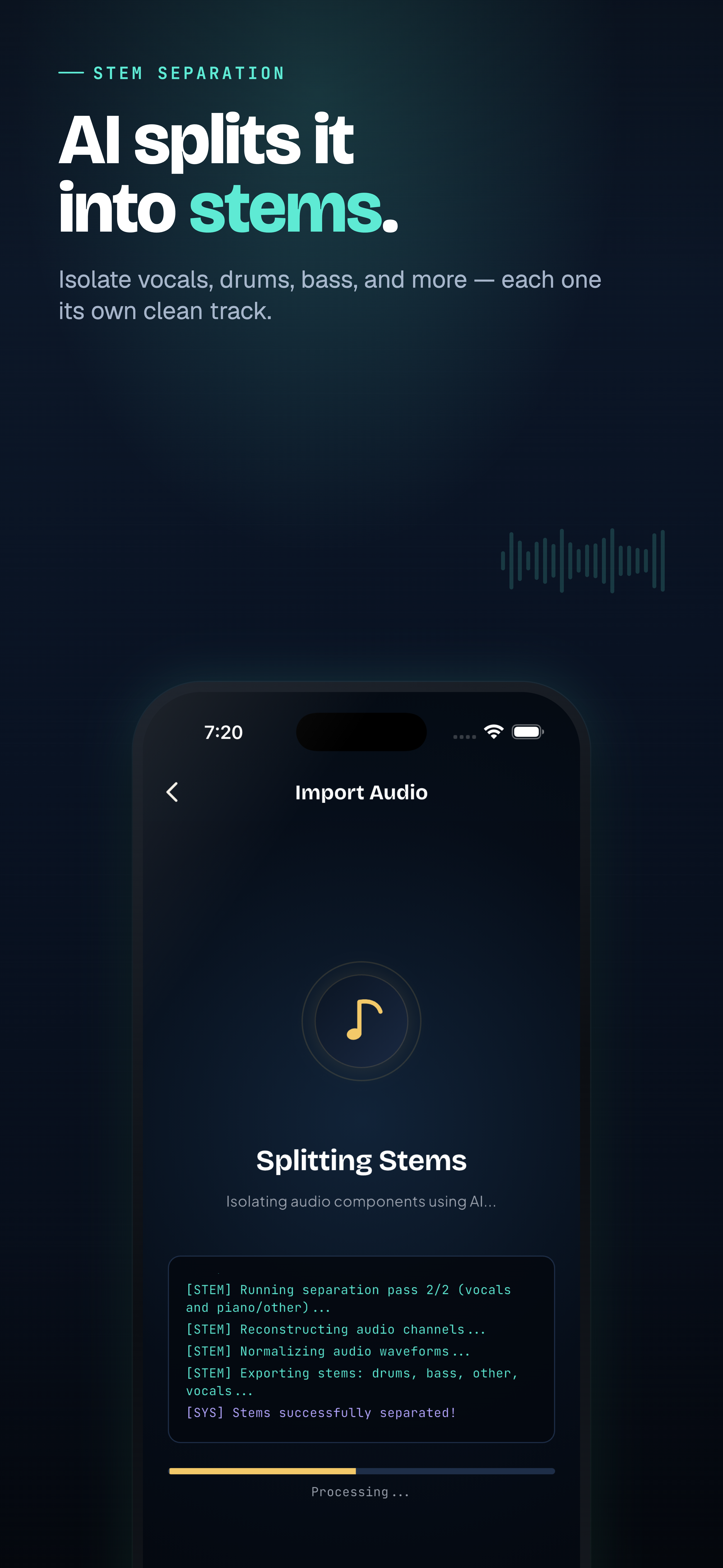
Paste a link to a performance or cover. ScoreFlip can split the stems first so drums and vocals do not clutter your piano or guitar notation.
Try YouTube to Sheet Music →
Already have a .mxl, .musicxml, or .mid file from MuseScore, Finale, Sibelius, or Dorico? Open it straight into ScoreFlip to practise, simplify, or share.
Press play immediately. Slow tricky bars to 50%, loop a 4-bar section, switch difficulty levels, or follow falling notes on the keyboard.

See standard notation on top and color-coded falling notes underneath, locked to the exact same playback cursor.
One tap turns an arrangement into Beginner, Intermediate, or Original — plus switch instrument parts for piano, guitar, bass, voice, and horns.
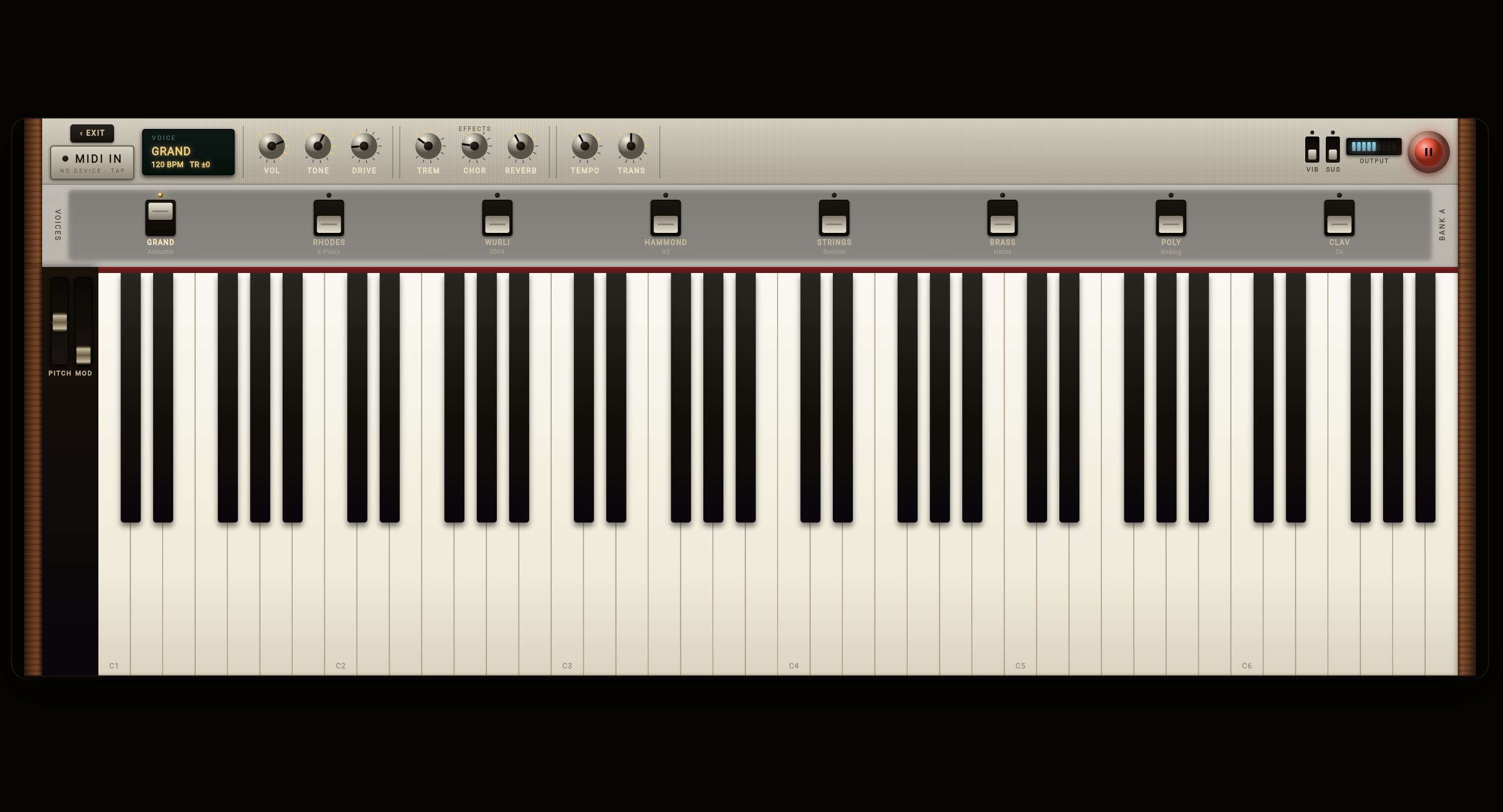
Connect a MIDI keyboard or tap the on-screen keys with warm acoustic grand, Rhodes, Wurlitzer, and string voices.
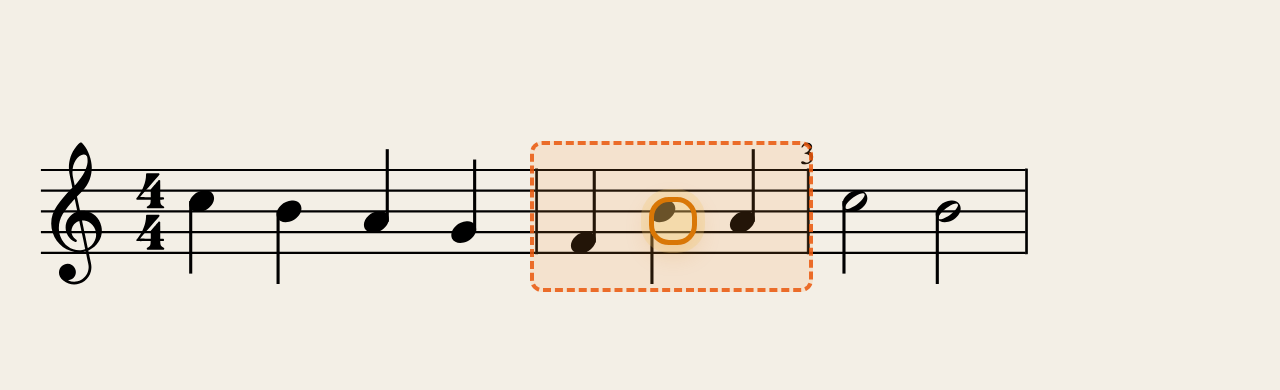
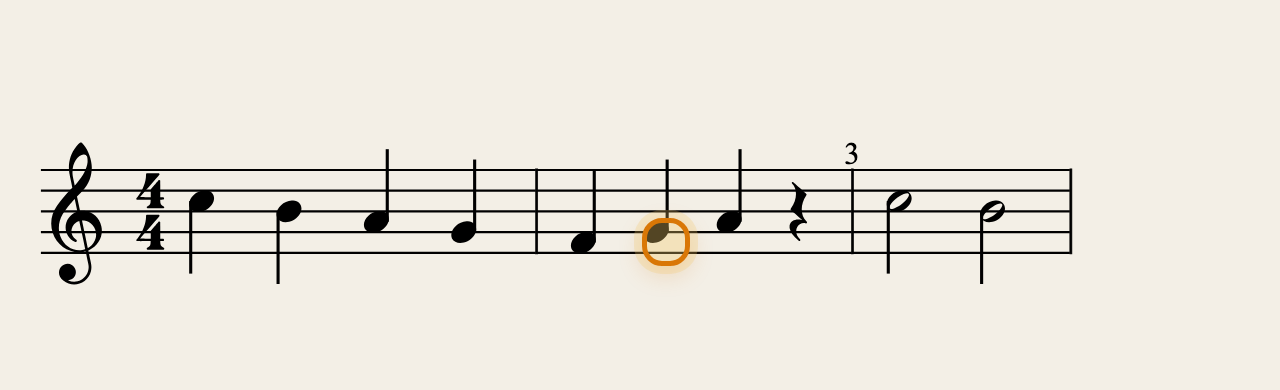
No music scanner or AI transcription on Earth is 100% perfect. Most tools leave you stuck with a broken bar or force you into complex desktop notation software. ScoreFlip's Editor Studio highlights bars whose beats don't add up, lets you tap any note to nudge it with big ▲ ▼ buttons, plays the pitch on every tap, and saves automatically.
Send a link to a student, choir member, or bandmate so they can press play right in their browser — or download clean files for your DAW or notation app.
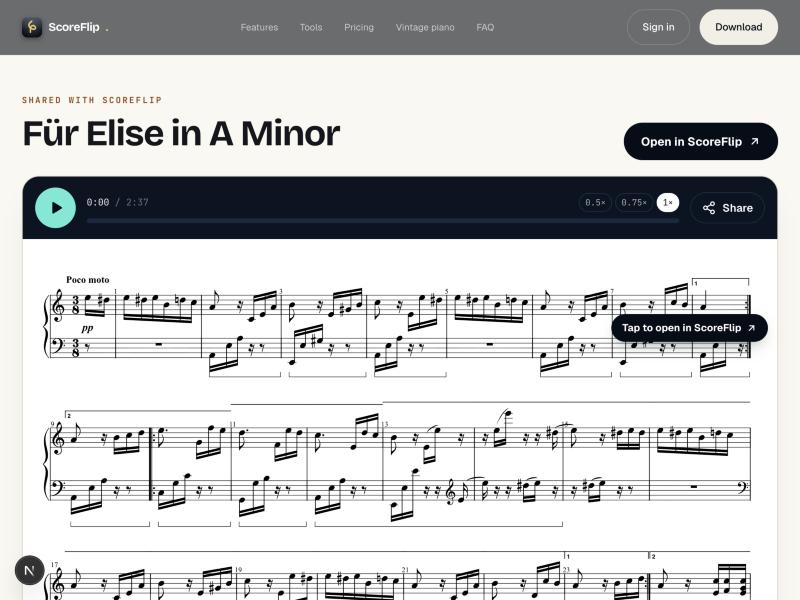
We believe in telling you honestly what works out of the box and how to get near-perfect scans every time.
Photos or PDFs of printed sheet music, audio files (MP3, WAV, M4A), links from YouTube, Spotify, TikTok or Instagram, plus MIDI and MusicXML files you already have.
Tap Fix to open Editor Studio right inside the score. Tap the wrong note, press ▲ or ▼ (you hear the pitch on every press), or tap a note shape to change its length. Bars whose beats don't add up glow orange so you know exactly where to look.
Yes. There are no nested menus or confusing music-theory jargon. You tap a note, use big visual buttons (up/down arrows, sharp/flat, drawn note shapes, play this bar), and Undo is always one tap away.
ScoreFlip separates the track into stems (piano, vocals, guitar, bass, drums) before transcribing, and lets you choose the result you actually want — full piano, lead sheet, melody, or a single instrument.
Yes. Every score can be switched between Original, Intermediate, and Beginner levels in one tap so you can start playing today and work up to the full arrangement.
You can export MusicXML, MIDI, PDF, or a vertical piano-roll video, or share a playable link that anyone can open and listen to in their browser — no account required.
Yes. ScoreFlip runs on iOS, Android, macOS, Windows, and the web, and your library syncs across devices.
Start free on the web, iOS, Android, or desktop — scan a page, paste a YouTube link, and try Editor Studio on your own music.