Audio to Sheet Music: What Works, What Doesn't, and How to Get the Best Result
Turning a raw audio recording into clean, readable sheet music is one of the hardest problems in music technology. A human ear effortlessly separates a piano from drums, reverb, and vocals — software has to untangle overlapping frequencies and snap human timing onto a neat grid of bars and beats.
Here is an honest look at what transcribes cleanly today, where audio-to-sheet still struggles, and how to get the best score in ScoreFlip.
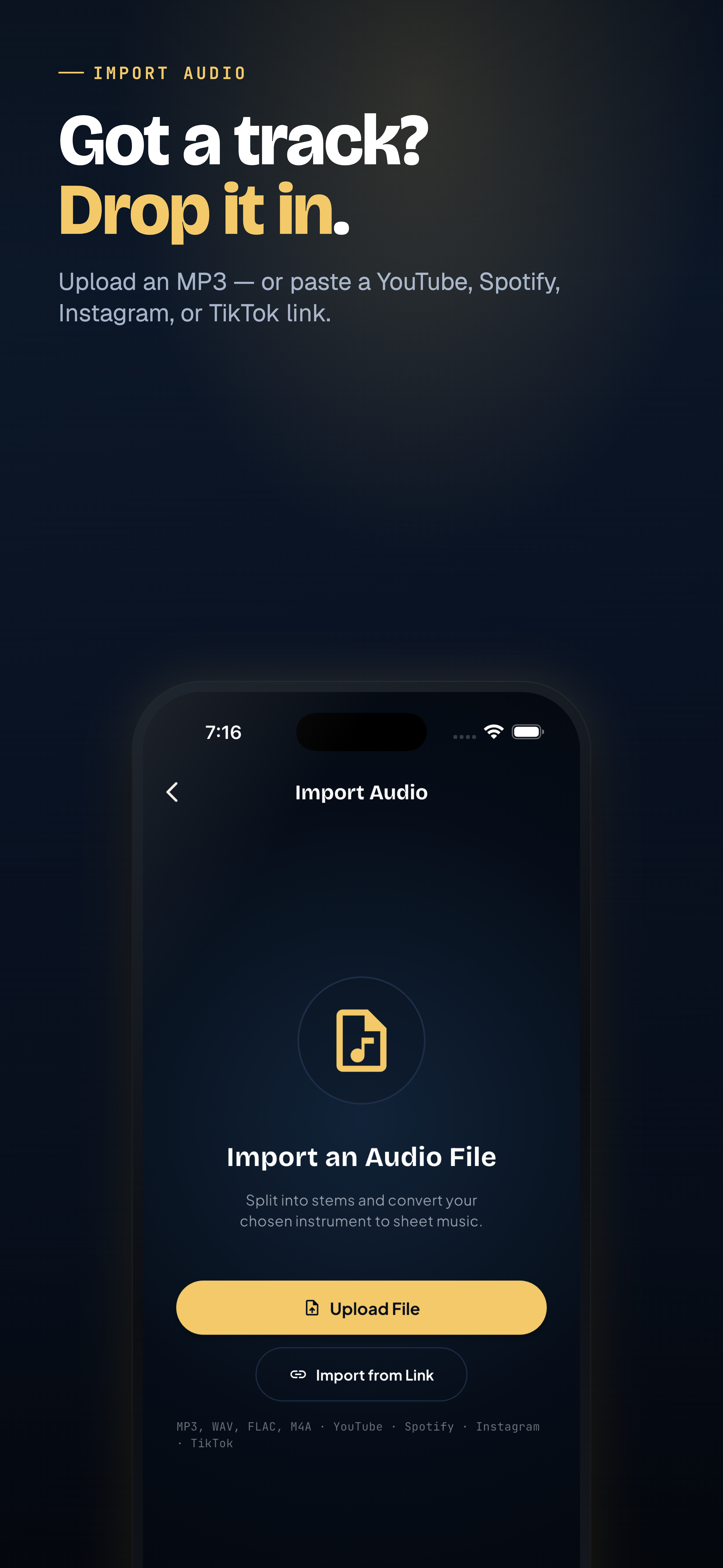
Importing audio into ScoreFlip for sheet music transcription
What transcribes best right out of the box
1. Solo piano recordings and clean covers — clear attacks, well-defined pitches, and no competing drums give the cleanest two-hand grand-staff output. 2. Solo melody instruments — acoustic guitar, violin, flute, saxophone, or dry vocal recordings translate smoothly into single-staff notation. 3. Studio recordings with steady tempo — songs played to a click or consistent groove align neatly to bar lines.
What is trickier (and how to handle it)
- Full-band mixes with heavy drums and vocals: If you transcribe the raw stereo mix, snare hits and bass bleed can show up as phantom notes. Solution: turn on Stem Splitting first so ScoreFlip isolates the piano, guitar, bass, or vocal stem before writing notation.
- Rubato / free-timing performances: Expressive classical or ballad recordings that speed up and slow down can cause uneven rhythms. Solution: enable the free-timing option on import, or tidy the few tricky bars in Editor Studio afterward.
- Heavy distortion or dense synth pads: Overdriven guitars and lush reverberant pads blur pitch boundaries. Picking Lead Sheet or Melody mode gives a much cleaner, more playable chart than trying to notate every overtone.
Choose the result you actually want
Before ScoreFlip writes a single bar, tell it what you need:
- Full Piano — left and right hands on a grand staff.
- Lead Sheet — melody plus chord context.
- Melody Only — one clean staff for singers or lead instruments.
- Single Instrument — isolate one part from a multi-instrument track.
Polish the last 5% in Editor Studio
Once your audio opens in the score viewer, press Play to compare the transcription against what you expect. Spot a bar that needs a sharper rhythm or a cleaner bass note? Tap Fix to open Editor Studio, adjust the note with ▲ ▼, and re-export to MIDI, MusicXML, or PDF.
Enjoyed this deep dive?
Explore more articles on notation scanning, electric keyboards, and gamified music practice in our journal.
Explore All Articles