From a YouTube Video to a Score You Can Practise
You hear a gorgeous piano cover, a film cue, or a song tutorial on YouTube — and there is no sheet music link in the description. Instead of spending an evening rewinding 3-second clips by ear, you can turn that link into a playable, loopable score in minutes.
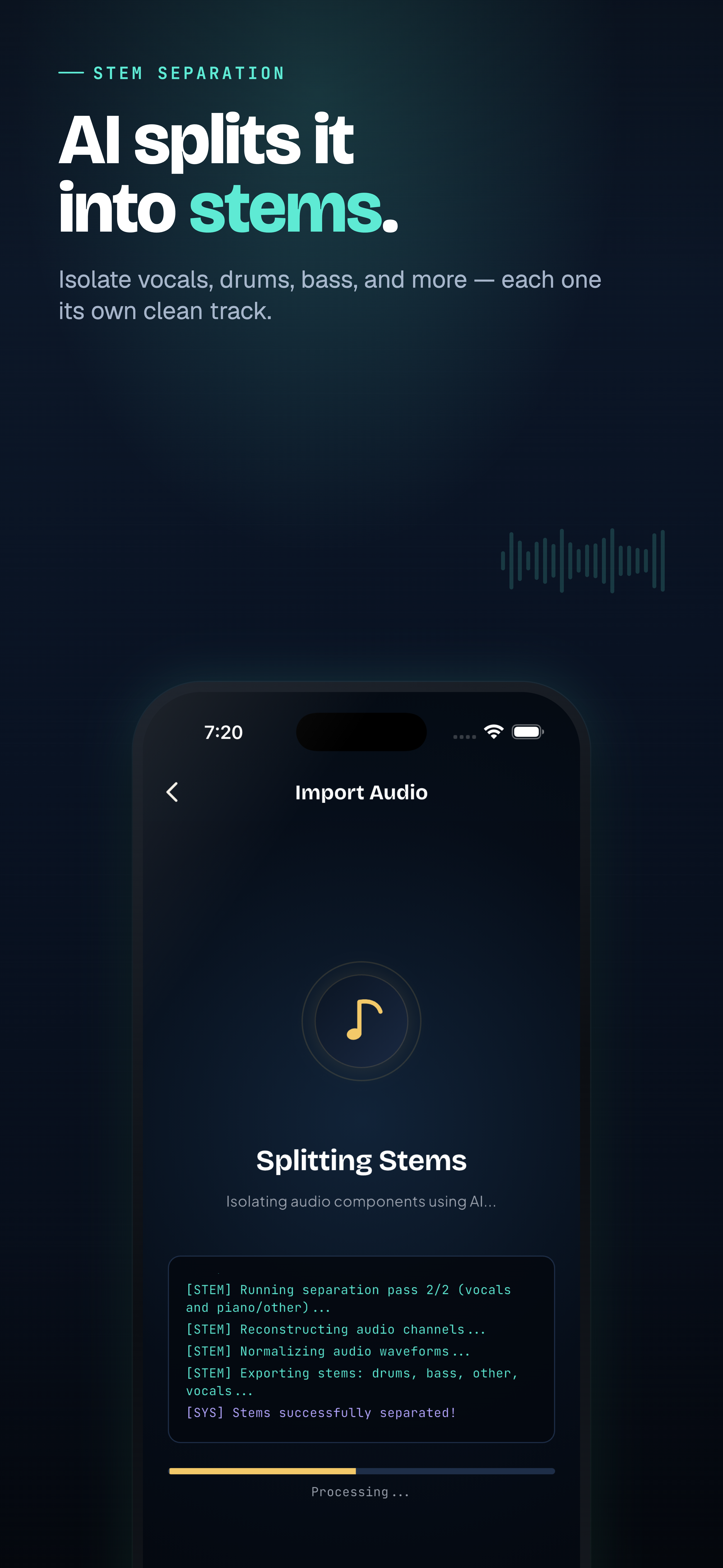
Splitting a track into stems inside ScoreFlip
Step 1: Paste the YouTube link into ScoreFlip
Open the Import Hub in ScoreFlip (on web, iOS, Android, or desktop) and paste the YouTube URL. ScoreFlip fetches the audio automatically — no sketchy third-party MP3 downloaders needed.
Step 2: Pick the instrument and output style
If the video is a solo piano cover, select Full Piano directly. If it is a full band or studio track with drums and vocals, let ScoreFlip split the stems first and pick the part you want to learn:
- Piano for two-hand accompaniment or solos
- Vocals / Melody for a clean lead line
- Guitar or Bass for band parts
Step 3: Match the arrangement to your skill level
Once the score opens, you don't have to fight through a concert-level transcription on day one. Use ScoreFlip's Level Switch to toggle between Original, Intermediate, and Beginner versions in one tap.
Step 4: Slow it down, loop tricky bars, and tweak anything
Use the built-in practice studio to:
- Drop playback speed to 50% or 75% without changing pitch
- Loop any 4-bar phrase while watching the synced piano roll
- Tap Fix to open Editor Studio and tidy any chord or rhythm to match how you like to play it
 Synced sheet music and piano roll in ScoreFlip
Step 5: Export or share with your band
When it sounds right, export MusicXML, MIDI, PDF, or a vertical piano-roll video — or share a playable web link so friends can press play straight in their browser.
Enjoyed this deep dive?
Explore more articles on notation scanning, electric keyboards, and gamified music practice in our journal.
Explore All Articles